In the whimsical world of coding, sprites are the unsung heroes that bring digital creations to life. Picture this: a tiny character dancing across your screen, dodging obstacles and collecting treasures. That’s a sprite in action, and it’s not just a fancy term for a fizzy drink! Sprites are essential building blocks in game development and animation, allowing developers to create dynamic visuals without breaking a sweat.
What Is a Sprite in Coding
A sprite in coding refers to a two-dimensional image or animation that represents characters, objects, or components within a digital interface. These visual elements play a crucial role in bringing games and interactive applications to life.
Definition of a Sprite
A sprite consists of bitmap or vector graphics, used to create visual representations in various applications. The term emerged from the world of gaming, where developers employed sprites to represent characters and moving elements on the screen. Sprites can appear in multiple frames, producing the illusion of movement or animation through frame transitions. They are often stored in sprite sheets, which contain multiple images that simplify storage and loading processes.
Importance of Sprites in Game Development
Sprites serve as essential elements in game development, contributing significantly to user engagement. They provide visual cues, helping players navigate and interact with the game environment. High-quality sprites enhance visual appeal, making games more immersive. Developers use sprites to efficiently manage graphics, reducing memory usage and optimizing performance. Furthermore, organized sprite sheets allow for quick and smooth rendering, ensuring a seamless gaming experience. Overall, sprites are fundamental building blocks that help create compelling narratives and dynamic interactions in games.
Types of Sprites
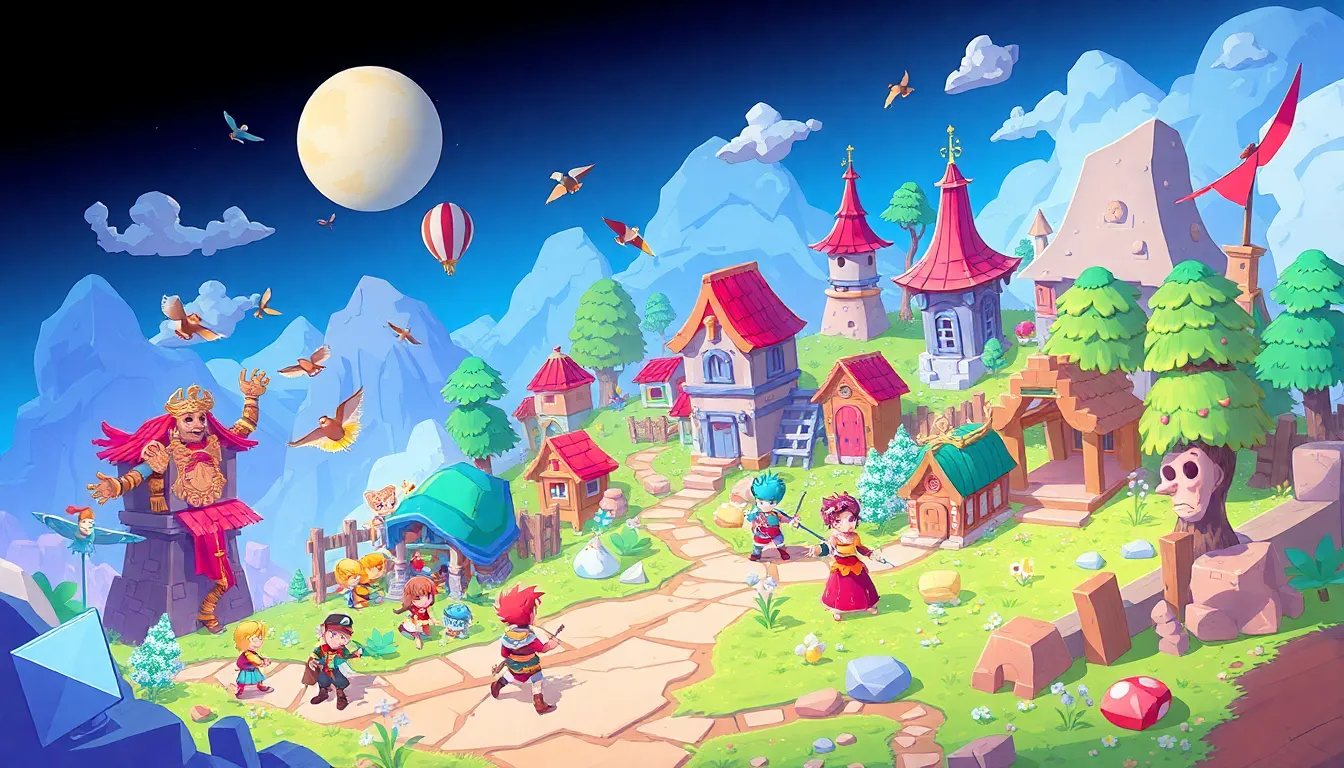
Sprites come in various forms, primarily categorized into 2D and 3D sprites. Each type serves different purposes in digital graphics and game development.
2D Sprites
2D sprites consist of flat images layered in a two-dimensional space. These graphics often depict characters, objects, or scenery found in traditional video games and animations. Developers use pixel art or vector graphics to create these sprites, allowing for detailed character designs and settings. Animations are achieved through frame-by-frame sequences or sprite sheets, providing fluid movement and action. The simplicity of 2D sprites makes them accessible for developers, enabling quick iteration and efficient performance. Their popularity remains strong in mobile games and retro-style productions.
3D Sprites
3D sprites represent objects in a three-dimensional space, adding depth and realism to digital environments. These sprites feature textures and can rotate in various directions, enhancing immersion. Developers often utilize 3D models rendered in real-time, allowing for interactive experiences. Using 3D sprites, game designers can create dynamic environments and engaging gameplay mechanics. They play a crucial role in modern gaming, where realism and visual fidelity are essential. Rendering techniques like billboarding can further optimize performance while maintaining the appearance of depth.
Creating Sprites
Creating sprites involves using specific tools and following best practices to ensure effective design and functionality.
Tools for Sprite Creation
Popular tools for sprite creation include graphic design software such as Adobe Photoshop, GIMP, and Aseprite. Artists often use frameworks and engines like Unity and GameMaker to facilitate sprite integration into projects. TexturePacker remains a recommended option for organizing sprite sheets efficiently. Online resources like Piskel provide user-friendly interfaces for quick sprite creation without installing software. Developers choose software based on their specific needs and familiarity, ensuring a tailored experience.
Best Practices for Designing Sprites
Effective sprite design adheres to several best practices. Consistency in style across all sprites enhances visual coherence. Limiting color palettes aids in maintaining a unified aesthetic and reducing file size. Animations should use a clear frame rate, typically ranging from 24 to 60 frames per second, to create smooth motion. Careful attention to scaling ensures that sprites look good on various screen sizes. Developers often test sprites within their projects continuously to identify and resolve any issues early in the design process.
Using Sprites in Code
Sprites play a crucial role in coding, especially in game development and animation projects. Integrating them effectively enhances visual engagement and user experience.
Integrating Sprites into a Coding Framework
Integrating sprites into a coding framework often begins with selecting a suitable game engine. Popular options include Unity and GameMaker, which streamline the integration process. Developers import sprite sheets and assign properties to facilitate animation and interaction. Managing sprite coordinates is essential for accurate behavior within the game environment. Organizing sprites within layers also enhances visibility and reduces conflicts during gameplay. Implementing scripts further refines sprite interactions, allowing for seamless transitions and responsive controls.
Common Coding Techniques for Sprites
Common coding techniques for sprites enhance their functionality and visual impact. Using animations involves transitioning between frames within sprite sheets to create motion. Developers often utilize libraries such as p5.js or Phaser to simplify sprite manipulation within code. Collision detection techniques enable sprites to interact with each other and the game environment, improving gameplay dynamics. Layering involves positioning multiple sprites within the scene to achieve depth and realism. Developers also implement scaling and rotation techniques to add variety and responsiveness, ensuring dynamic gameplay and rich visual experiences.
Sprites are essential in the realm of coding and game development. They serve as the backbone for creating visually engaging experiences that captivate players. By utilizing both 2D and 3D sprites developers can craft immersive environments that enhance gameplay.
The process of designing and integrating sprites involves a blend of creativity and technical skill. With the right tools and best practices developers can streamline their workflow and produce high-quality graphics. As the gaming industry continues to evolve the significance of sprites will remain unwavering.
Ultimately sprites not only bring characters and objects to life but also enrich the overall narrative and interaction within digital spaces. Their impact on user experience is profound making them indispensable in the world of coding.